Self-hosting Odoo gives you full control over data, and custom modules. This guide walks you through a safe, maintainable install of Odoo 19 on Ubuntu 24.04, covering both Community and Enterprise editions, an easy CLI installer (install-odoo), configuration, HTTPS, your instance runs reliably in production.
Key references used: Odoo official docs (install paths & packaging), the install-odoo CLI project, and practical server-deployment tutorials.
Quick overview — what you’ll do
Prepare the Ubuntu 24.04 server (users, updates, firewall).
Install PostgreSQL and system packages.
Install Odoo 19 (two options: recommended manual/source method or quick CLI with install-odoo).
Configure systemd and Nginx reverse proxy with HTTPS.
Optionally add Enterprise addons (requires Odoo subscription and enterprise repo access). Odoo Source
Prerequisites (what you need before starting)
- An Ubuntu 24.04 server (fresh or dedicated VM).
- A non-root sudo user (recommended).
- Minimum recommended hardware for small production: 4 vCPU, 8–16 GB RAM, 100+ GB SSD. Increase for many users/modules. (real world deployments often use 4+ GB RAM as absolute minimum).
- Domain name pointing to the server (for HTTPS).
- Odoo Enterprise: valid subscription and access to the enterprise addons / repository if you plan to enable Enterprise features.
- (Optional but recommended) Node.js (for JS build assets) and wkhtmltopdf 0.12.6 for PDF headers/footers.
Recommended PostgreSQL version
Odoo requires PostgreSQL. Recent community guides and deployments recommend using modern PostgreSQL (15 or 16) for best compatibility and performance with Odoo 19; the packaged installers default to the distro PostgreSQL package. Use the distribution package unless you have a specific reason to compile/customize.
Option A
Quick install using the install-odoo CLI (fast & repeatable)
install-odoo is a CLI helper that automates many common tasks (user creation, PostgreSQL, dependencies, Odoo clone, systemd, nginx). It’s useful for a fast, consistent setup.
Verify service:
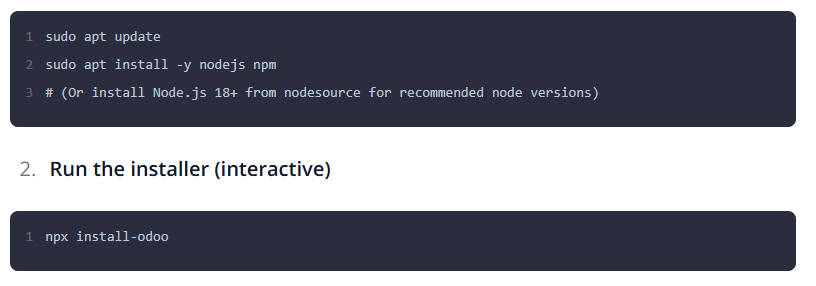
npx install-odoo will prompt for options: Odoo version (choose 19.0), install Community or Enterprise, PostgreSQL config, domain, SSL (LetsEncrypt) options, etc. The tool supports Ubuntu 22.04 and 24.04.
After completion:
The installer typically creates an odoo system user, clones the specified Odoo branch, sets up a Python venv, installs dependencies, configures systemd, and generates an Nginx config with HTTPS if you chose that option.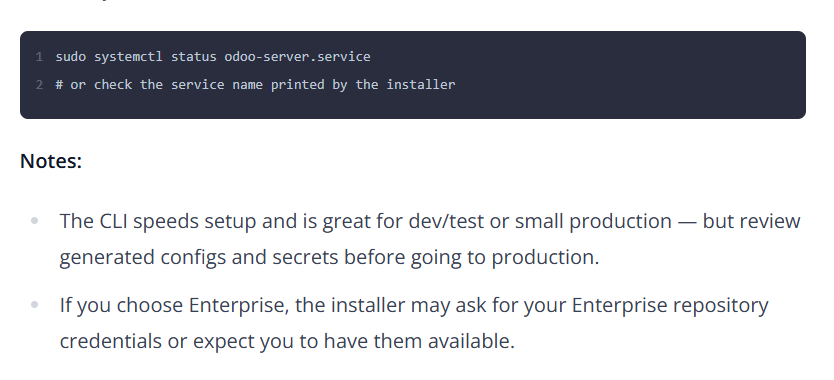
Option B
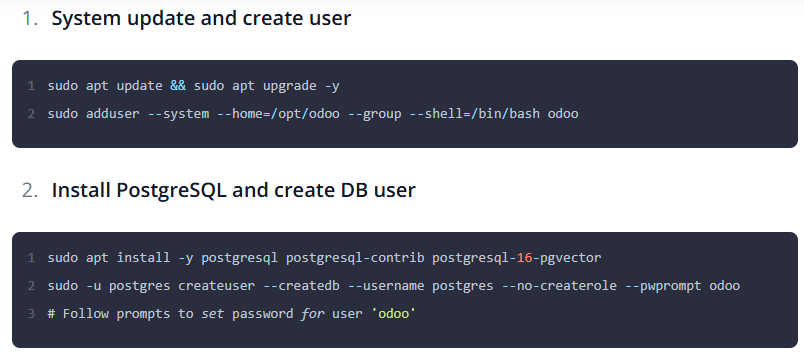
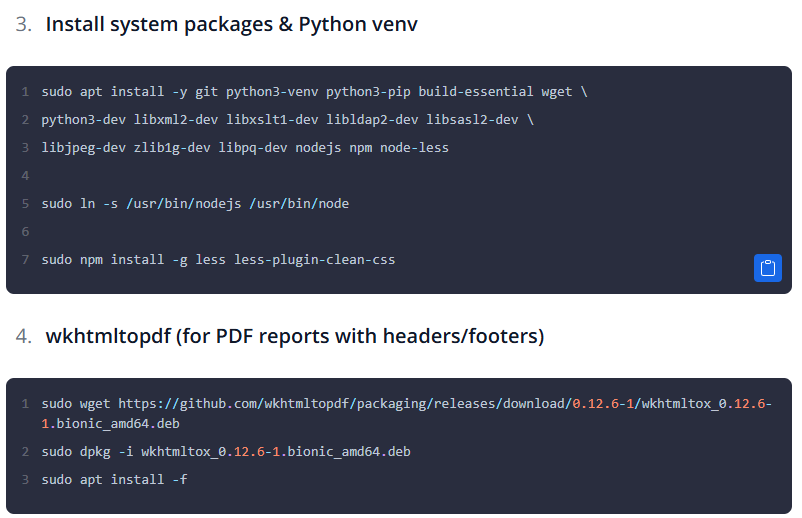
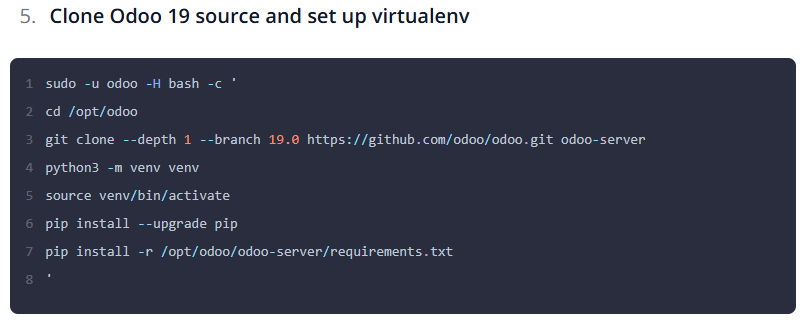
Manual (recommended for full control / production)
If you need precise control or must integrate custom modules, follow these manual steps.